A customer recently sent us an email that perfectly captures a major headache for IBM i shops. They wrote:
We are replacing our old, uninspiring outbound PO form… but I need to soft-code the email recipient.
If you are still hard-coding email addresses into your form definitions, or writing complex code to manage form delivery, TLAForms provides simple tools to ‘soft-code’ your email recipients without having to write a single line of code.
Watch the step-by-step video below to see exactly how to implement variable email addresses on your forms.
The Two Ways to Soft-Code Email Recipients in TLAForms
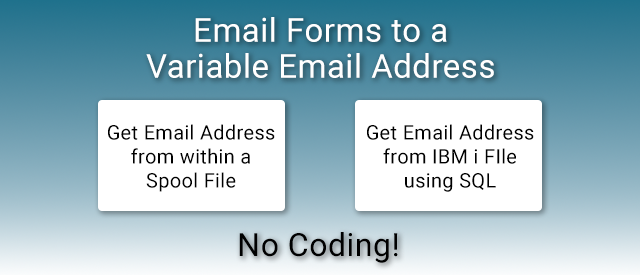
As shown in the video, TLAForms gives you two incredibly flexible ways to dynamically route your outbound documents:
1. Extracting Data Directly from the Spool File
If the recipient’s email address is already printed somewhere on the spool file (like a Purchase Order or Invoice), TLAForms can grab it automatically. You simply map the location of the email address text on the spool file, and TLAForms will use that dynamic variable to route the finished PDF.
2. Querying Your IBM i Database via SQL
What if the email address isn’t on the spool file? TLAForms has a built-in SQL database tool. You can use an existing identifier on the spool file (like a Customer Number or Vendor ID) to run a quick SQL query against your physical database files on the IBM i, retrieving the correct, up-to-date email address on the fly.